
 EN
EN



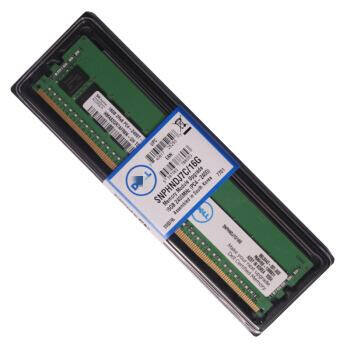
- Understanding the Critical Role of RAM in Server Performance
Modern businesses rely heavily on robust server infrastructure to maintain their digital operations. At the heart of every high-performing server lies its memory system, which plays a pivotal role in determining overall system efficiency and responsiveness. Server memory, also known as RAM (Random Access Memory), serves as the temporary workspace where your server processes active data and running applications.
Today's demanding applications, virtualization requirements, and increasing workloads put unprecedented pressure on server memory resources. Whether you're running a small business server or managing enterprise-level infrastructure, understanding when and how to upgrade your server memory can make the difference between smooth operations and frustrating bottlenecks.
Key Indicators That Signal the Need for a Memory Upgrade
Performance Metrics and Warning Signs
Several telltale signs indicate your server memory might need an upgrade. System administrators should watch for frequent disk swapping, where the server relies heavily on virtual memory because physical RAM is insufficient. High memory utilization rates consistently above 80% suggest your server is struggling to maintain optimal performance. Additionally, if your server experiences regular slowdowns during peak usage periods or shows increased response times for basic operations, these could be clear indicators that your current memory configuration isn't meeting your needs.
Modern monitoring tools can provide detailed insights into server memory usage patterns. By analyzing these metrics over time, you can identify trends and anticipate when an upgrade will become necessary before performance issues impact your operations critically.
Workload Evolution and Growth
Business growth naturally leads to increased demands on server resources. As your organization adds more users, applications, or services, your server memory requirements will grow accordingly. Virtual machine deployments, database expansions, and new software implementations all contribute to higher memory demands. Regular assessment of your workload growth patterns helps predict future server memory needs and allows for proactive upgrading rather than reactive problem-solving.
Consider how your business operations have evolved over the past year and what changes you anticipate in the coming months. This forward-looking approach to server memory planning ensures your infrastructure can scale effectively with your organization's needs.
Benefits of Strategic Server Memory Upgrades
Enhanced System Performance and Reliability
Implementing timely server memory upgrades delivers immediate and tangible benefits to your organization. With adequate RAM, servers can handle more concurrent processes, maintain larger data caches, and respond more quickly to user requests. This improved performance translates to better user experiences, faster application response times, and more efficient business operations overall.
Reliability also increases significantly with proper server memory allocation. When systems have sufficient RAM, they're less likely to experience crashes, freezes, or performance degradation under heavy loads. This enhanced stability ensures your critical business applications remain available and responsive when needed most.
Cost-Effective Infrastructure Optimization
While server memory upgrades require initial investment, they often represent one of the most cost-effective ways to improve server performance. Compared to replacing entire servers or implementing complex hardware solutions, memory upgrades offer exceptional return on investment. By extending the useful life of existing hardware and postponing more expensive system replacements, strategic memory upgrades help organizations optimize their IT budgets.
Furthermore, improved server performance can reduce the need for additional hardware purchases by making better use of existing resources. This efficiency translates to lower power consumption, reduced cooling requirements, and decreased maintenance costs over time.
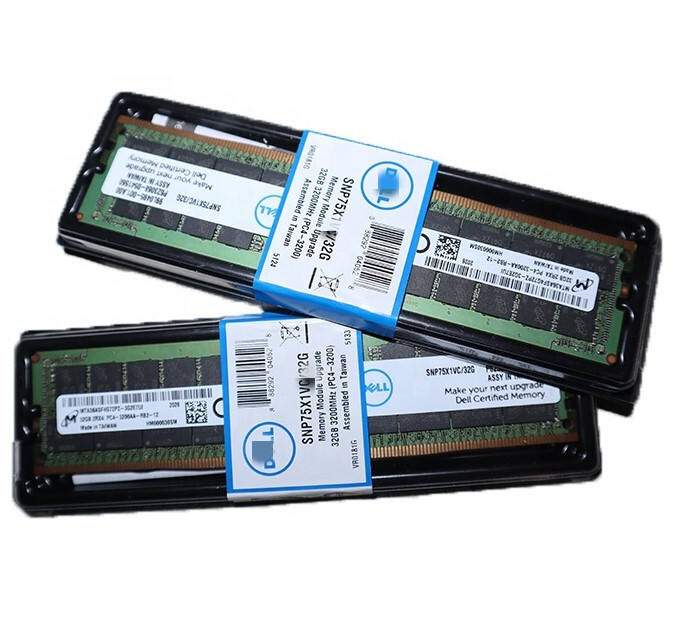
Implementing a Successful Memory Upgrade Strategy
Technical Assessment and Planning
Before proceeding with any server memory upgrade, conduct a thorough technical assessment of your current infrastructure. This includes evaluating your server's maximum memory capacity, compatible RAM types, and existing memory configuration. Understanding these technical specifications ensures you select the appropriate memory modules and avoid costly compatibility issues.
Create a detailed upgrade plan that includes performance benchmarks, testing procedures, and rollback options. This systematic approach helps minimize downtime and ensures the upgrade process goes smoothly. Consider scheduling upgrades during off-peak hours to minimize impact on business operations.
Future-Proofing Considerations
When planning server memory upgrades, look beyond immediate needs to anticipate future requirements. Consider implementing a memory configuration that provides headroom for growth, rather than meeting only current demands. This approach might mean investing in higher-capacity modules or leaving slots available for future expansion.
Additionally, evaluate emerging technologies and industry trends that might affect your server memory needs. The growing adoption of AI, machine learning, and big data analytics often requires substantial memory resources. Planning for these future capabilities can help extend the value of your upgrade investment.
Frequently Asked Questions
How do I determine the right amount of server memory for my needs?
To determine optimal server memory requirements, monitor your current usage patterns, account for peak loads, and add a 20-30% buffer for growth. Consider your specific workload types, number of users, and applications running on the server. Working with IT professionals can help ensure accurate sizing based on your unique requirements.
Can I mix different types or speeds of server memory?
While technically possible in some cases, mixing different types or speeds of server memory is generally not recommended. For optimal performance and stability, use matched sets of memory modules that meet your server's specifications. This ensures consistent performance and reduces the risk of compatibility issues.
What impact does virtualization have on server memory requirements?
Virtualization typically increases server memory demands significantly, as each virtual machine requires dedicated RAM allocation. When planning for virtualized environments, consider both the number of VMs you'll run and their individual memory requirements. Include additional overhead for the hypervisor and future VM expansion.