
 EN
EN



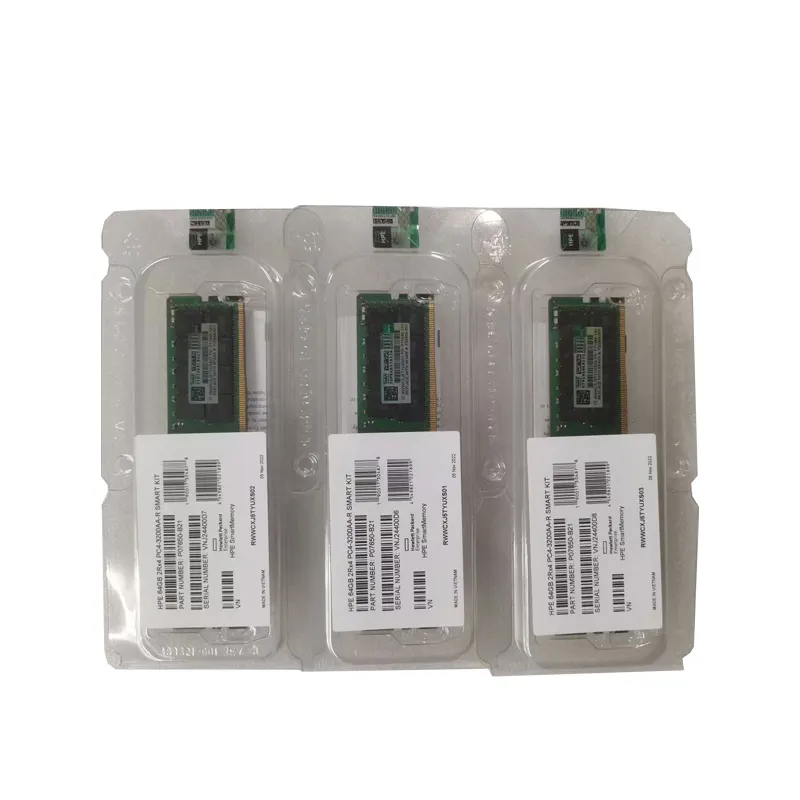
Understanding Critical Server Memory Issues in Modern Computing
Server memory plays a vital role in maintaining optimal system performance and reliability. When memory-related issues arise, they can severely impact business operations, causing system crashes, data loss, and service interruptions. As organizations increasingly rely on digital infrastructure, addressing these server memory challenges has become more crucial than ever.
System administrators and IT professionals regularly encounter various memory-related problems that require immediate attention and resolution. From physical hardware failures to software-induced memory leaks, understanding these issues and their solutions is essential for maintaining robust server operations.
Memory Leaks and Resource Exhaustion
Identifying Memory Leak Patterns
Memory leaks occur when applications fail to release allocated server memory properly. These issues often manifest gradually, making them particularly challenging to detect. System administrators should monitor memory usage patterns through specialized tools and watch for telltale signs such as steadily increasing memory consumption without corresponding increases in workload.
Regular analysis of memory usage trends can help identify problematic applications and processes. Implementation of automated monitoring solutions that track memory allocation and deallocation patterns enables early detection of potential leaks before they impact system stability.
Implementing Memory Leak Solutions
Resolving memory leaks requires a systematic approach to identification and remediation. Start by implementing proper logging mechanisms to track memory allocation and usage patterns. Application-level debugging tools can help pinpoint specific code sections responsible for improper memory management.
Consider implementing memory pooling strategies to better manage resource allocation and prevent fragmentation. Regular application updates and patch management can also address known memory leak issues in software components.
Physical Memory Hardware Failures
Detecting Hardware Memory Issues
Physical server memory problems often manifest through system crashes, unexpected reboots, or corruption of data. Memory diagnostic tools can help identify failing memory modules through extensive testing procedures. Regular memory tests should be scheduled during maintenance windows to catch potential issues before they cause system failures.
Error-correcting code (ECC) memory provides built-in detection capabilities for single-bit errors, but more severe multi-bit errors require additional monitoring and intervention. Implementing proactive hardware monitoring solutions helps identify degrading memory components before complete failure occurs.
Hardware-Based Solutions
When physical memory issues are detected, replacing faulty modules is often the most straightforward solution. However, proper handling and installation procedures must be followed to prevent static discharge and ensure optimal performance. Consider implementing redundant memory configurations where critical systems require high availability.
Regular maintenance schedules should include physical inspection of memory modules for signs of damage or degradation. Maintaining an inventory of compatible replacement modules ensures quick resolution when hardware failures occur.

Memory Allocation and Fragmentation Issues
Managing Memory Fragmentation
Memory fragmentation occurs when free memory becomes divided into small, non-contiguous blocks, making it difficult to allocate larger chunks of memory efficiently. This can lead to performance degradation even when sufficient total memory is available. Regular defragmentation routines and proper memory management strategies help maintain optimal memory utilization.
Implementing intelligent memory allocation algorithms and proper application design practices can minimize fragmentation impact. Consider using memory compaction techniques during low-usage periods to consolidate free memory blocks.
Optimization Strategies
Effective memory optimization involves both hardware and software considerations. Proper sizing of virtual memory and swap space helps manage memory pressure during peak loads. Implementation of caching strategies and memory compression techniques can improve overall system performance.
Regular monitoring of memory usage patterns helps identify opportunities for optimization. Consider implementing automatic scaling solutions that adjust memory allocation based on workload demands.
Configuration and Settings Management
Optimal Memory Configuration
Proper server memory configuration is crucial for system stability and performance. This includes setting appropriate virtual memory parameters, configuring memory limits for applications, and establishing proper memory allocation policies. Regular review and adjustment of these settings ensure optimal resource utilization.
Documentation of configuration changes and their impacts helps build a knowledge base for future optimization efforts. Implement change management procedures to track modifications and their effects on system performance.
Performance Tuning Practices
Regular performance tuning involves analyzing memory usage patterns and adjusting settings accordingly. This includes optimizing application memory limits, adjusting cache sizes, and fine-tuning garbage collection parameters where applicable. Automated monitoring tools can help identify areas requiring attention.
Establish baseline performance metrics and regularly compare current performance against these benchmarks. This helps identify gradual degradation and opportunities for optimization.
Frequently Asked Questions
How often should server memory be tested for potential issues?
Regular memory testing should be conducted at least quarterly, with more frequent testing for critical systems. Additionally, immediate testing should be performed when unusual system behavior or performance issues are observed.
What are the warning signs of impending server memory failure?
Common warning signs include unexpected system crashes, memory-related error messages in system logs, unusual performance degradation, and frequent application crashes. Regular monitoring can help detect these indicators early.
Can server memory issues be prevented through proactive maintenance?
Yes, many server memory problems can be prevented through regular maintenance, including hardware testing, monitoring memory usage patterns, implementing proper cooling solutions, and maintaining clean server environments. Proactive replacement of aging memory modules can also prevent unexpected failures.
What tools are recommended for diagnosing server memory problems?
Essential tools include built-in operating system diagnostics, memory testing utilities like Memtest86+, monitoring solutions such as Nagios or Zabbix, and specialized debugging tools for application-level memory analysis. Regular use of these tools helps maintain optimal server performance.